Download startedThanks for downloading!
Thanks for downloading!
Just a few steps left.
Your download will begin automatically. If it didn't start,download Afternotes manually.
1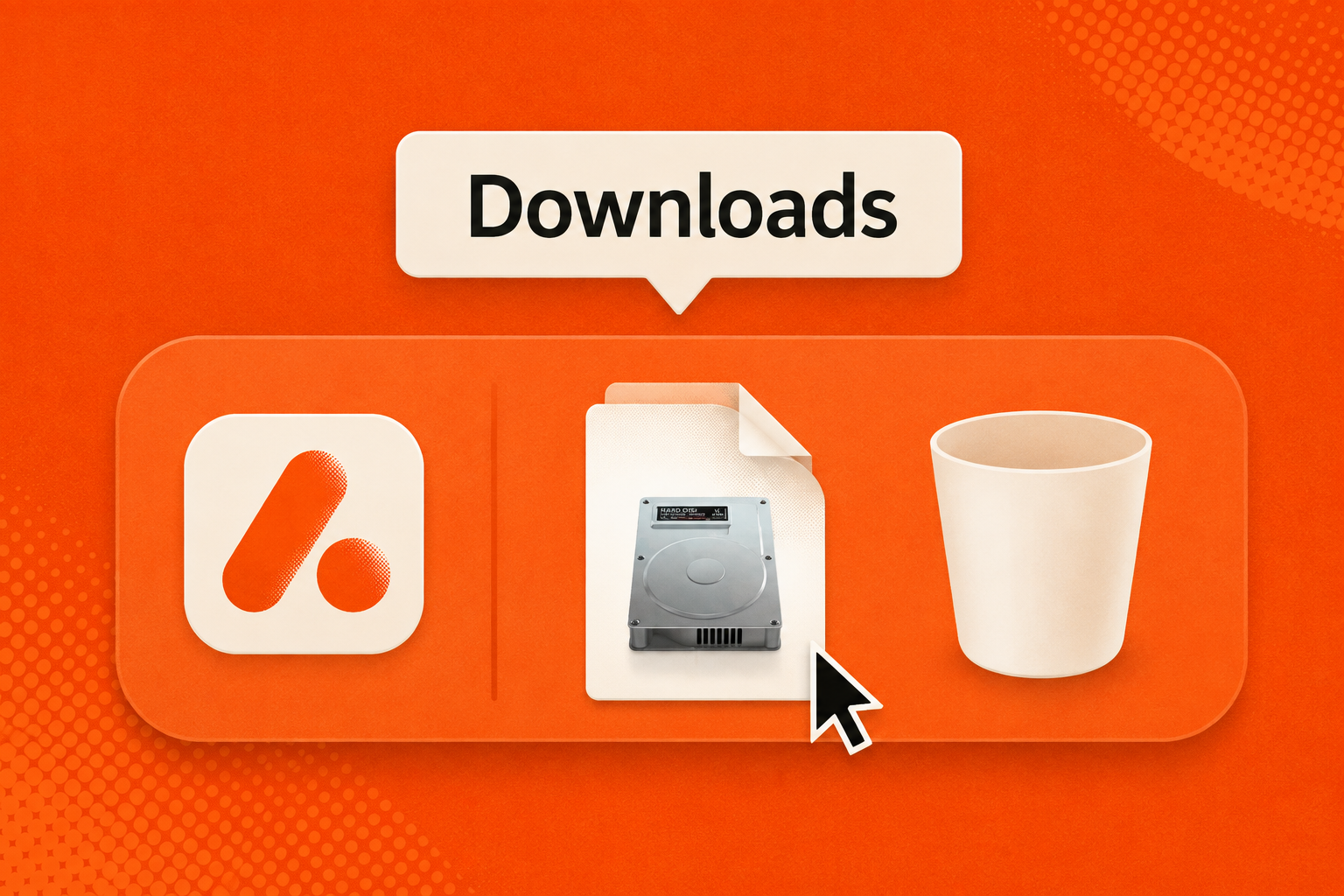
Open Afternotes.dmg from yourDownloads folder
2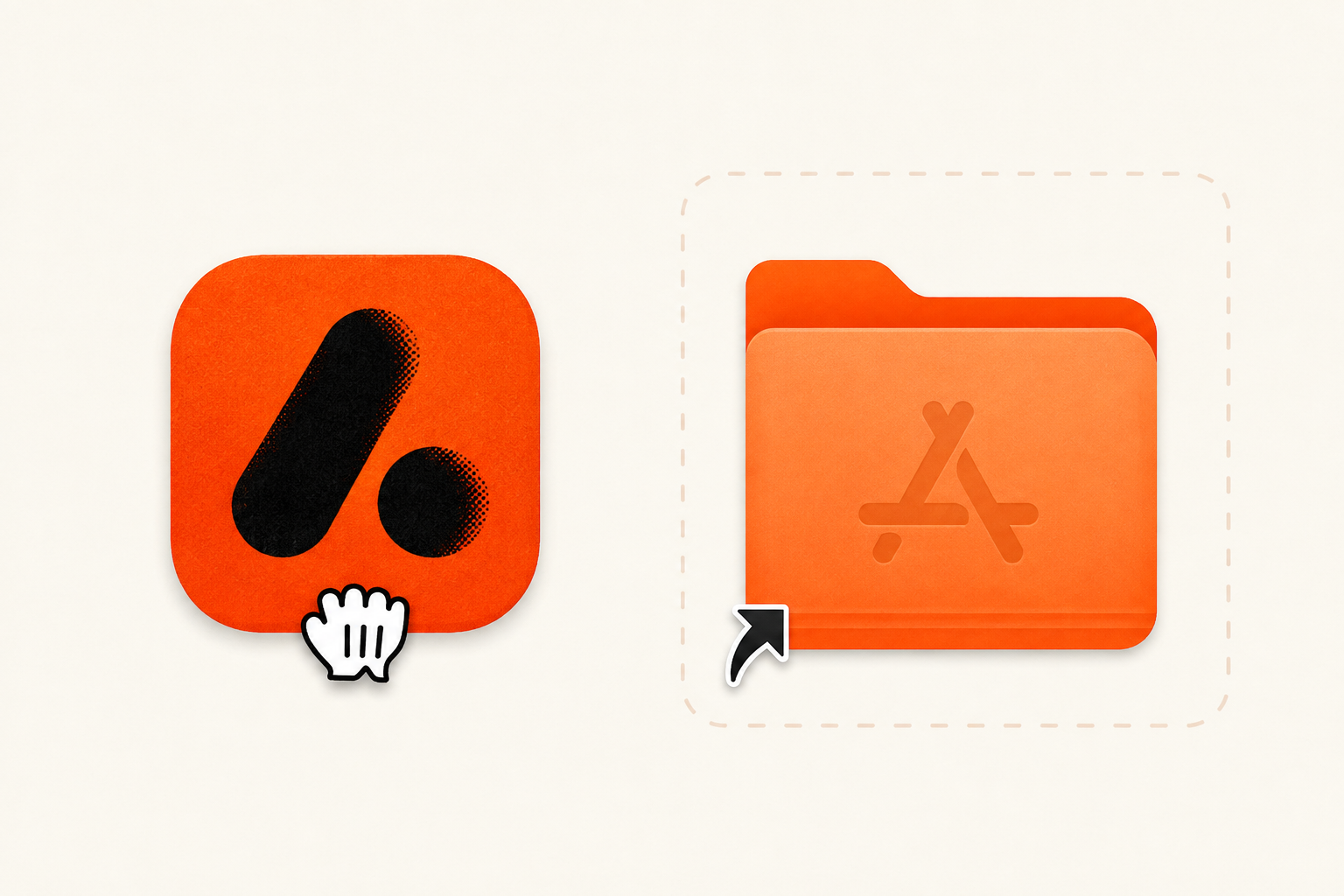
Drag the Afternotes icon into yourApplications folder
3 Afternotes.app
Applications
Afternotes.appOpen Afternotes from your Applications folder