
Never take a meeting note again.
Afternotes joins your calls, writes the notes, and turns every conversation into something you can search, ask, and act on.
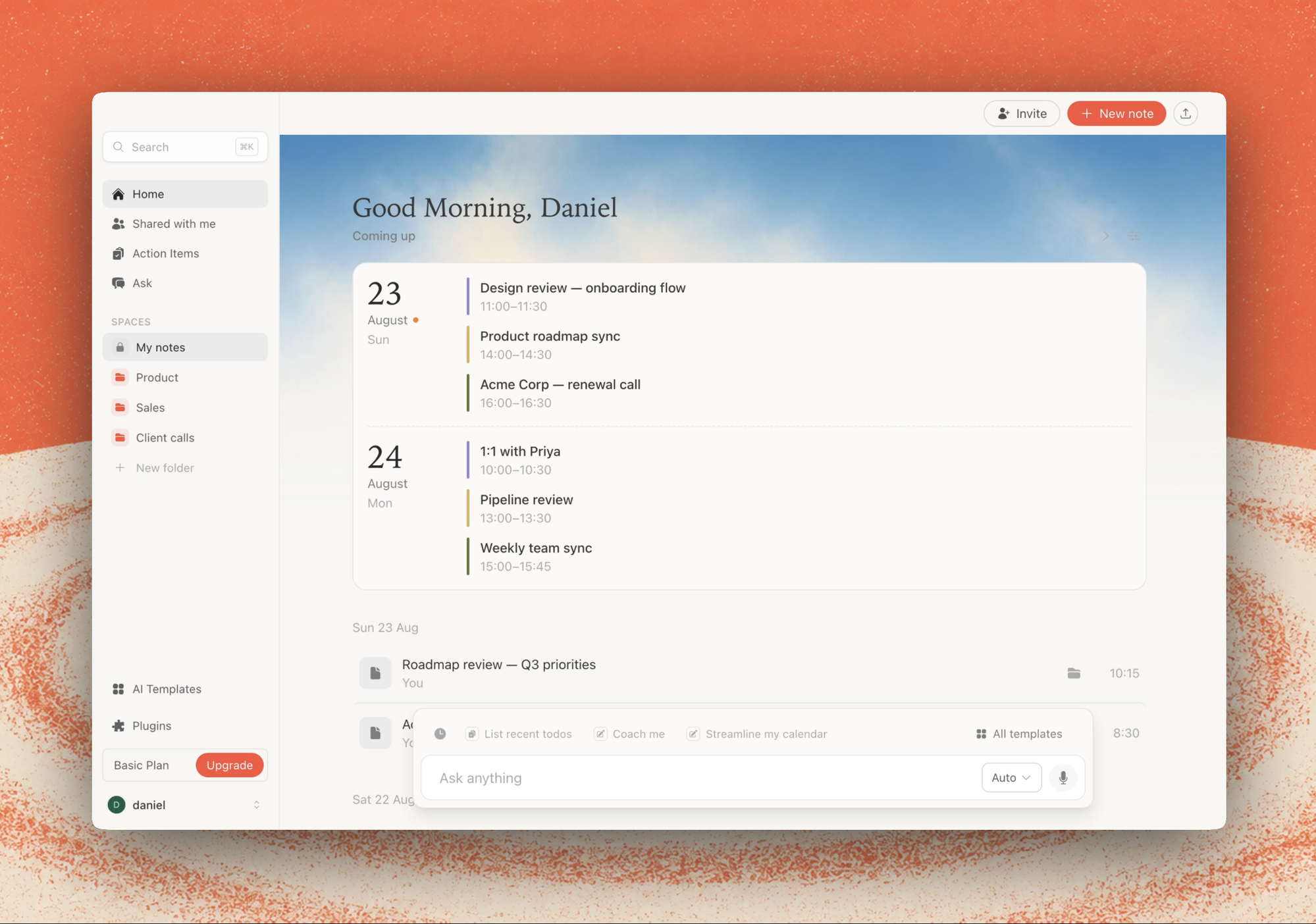
Trusted by teams at
Effortless notes, enhanced instantly.
Uses your computer audio, so doesn't invite a bot
Private by default, easy to share if you choose
Works with


The source of truth for every meeting.
Every meeting is full of decisions and follow-ups. Afternotes captures it all and makes it instantly searchable.
Let me check your recent meetings for Acme discussions.
Found 6 meetings ›
The Acme renewal is in final review. Pricing was revised last week and legal is reviewing the updated terms.
Keep your team on the same page
See what got decided and why, without chasing teammates or scheduling extra syncs.
Client Work
Calls with active clients
What are the common objections from prospects?
Let me search across your sales calls for objection patterns.
Explored 42 meetings ›
Based on your calls over the last 90 days, here are the top objections:
Never lose a client detail
Surface the patterns in what clients are saying across sales calls, check-ins, and everything in between.
Get anything done
Afternotes helps you write follow-ups, recaps, and briefs — all inspired by your actual conversations.
Transparency, security, and admin controls.
Great meetings require trust — clear signals when Afternotes is active, and controls for how your team wants it used.
Show a badge on your video while transcribing, so everyone in the meeting knows Afternotes is active.
Priya 11:15
Automatically notify participants in the meeting chat when Afternotes starts transcribing.
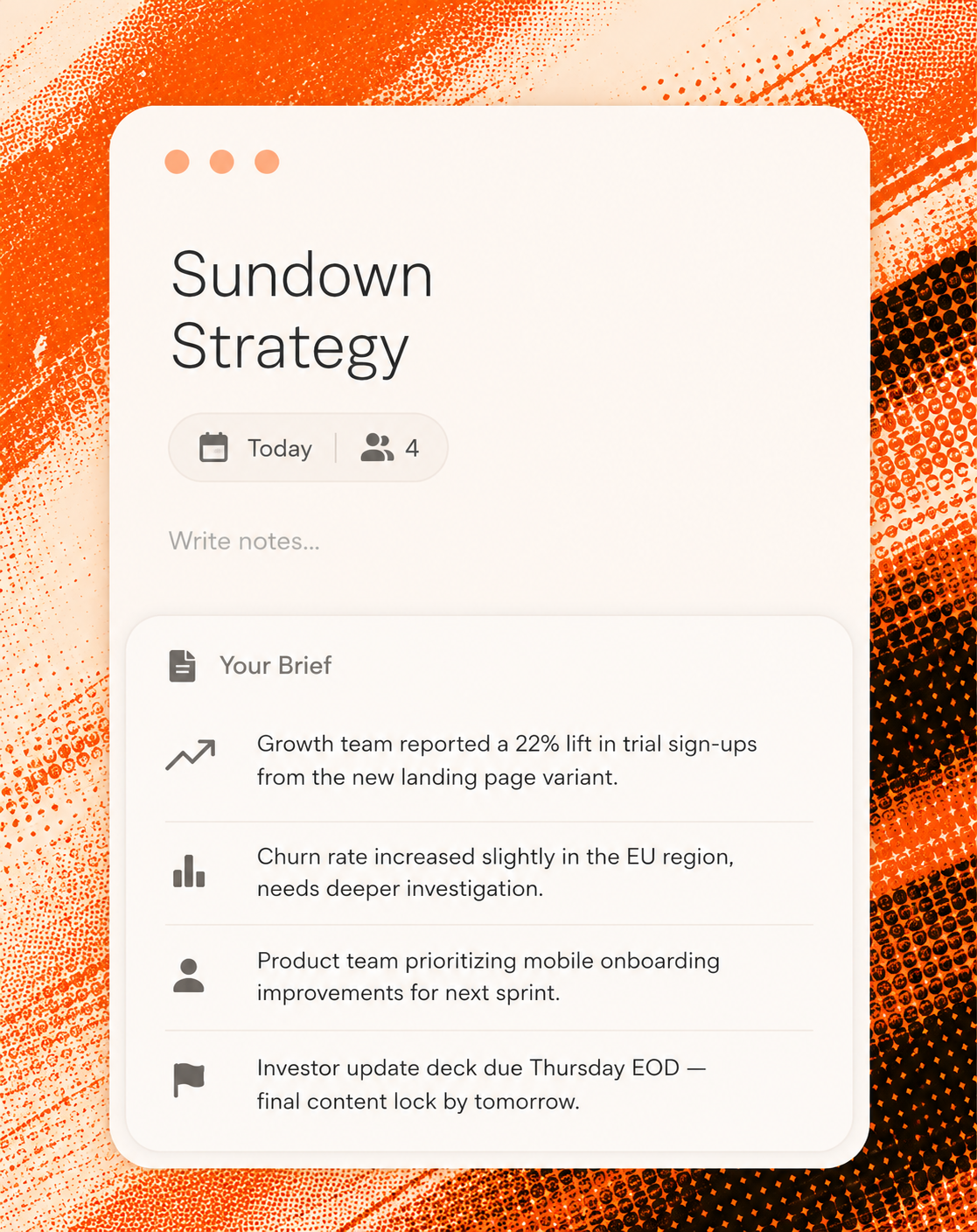
Be ready for any meeting
Afternotes syncs with your calendar and preps a brief before every meeting — who's attending and what matters now.
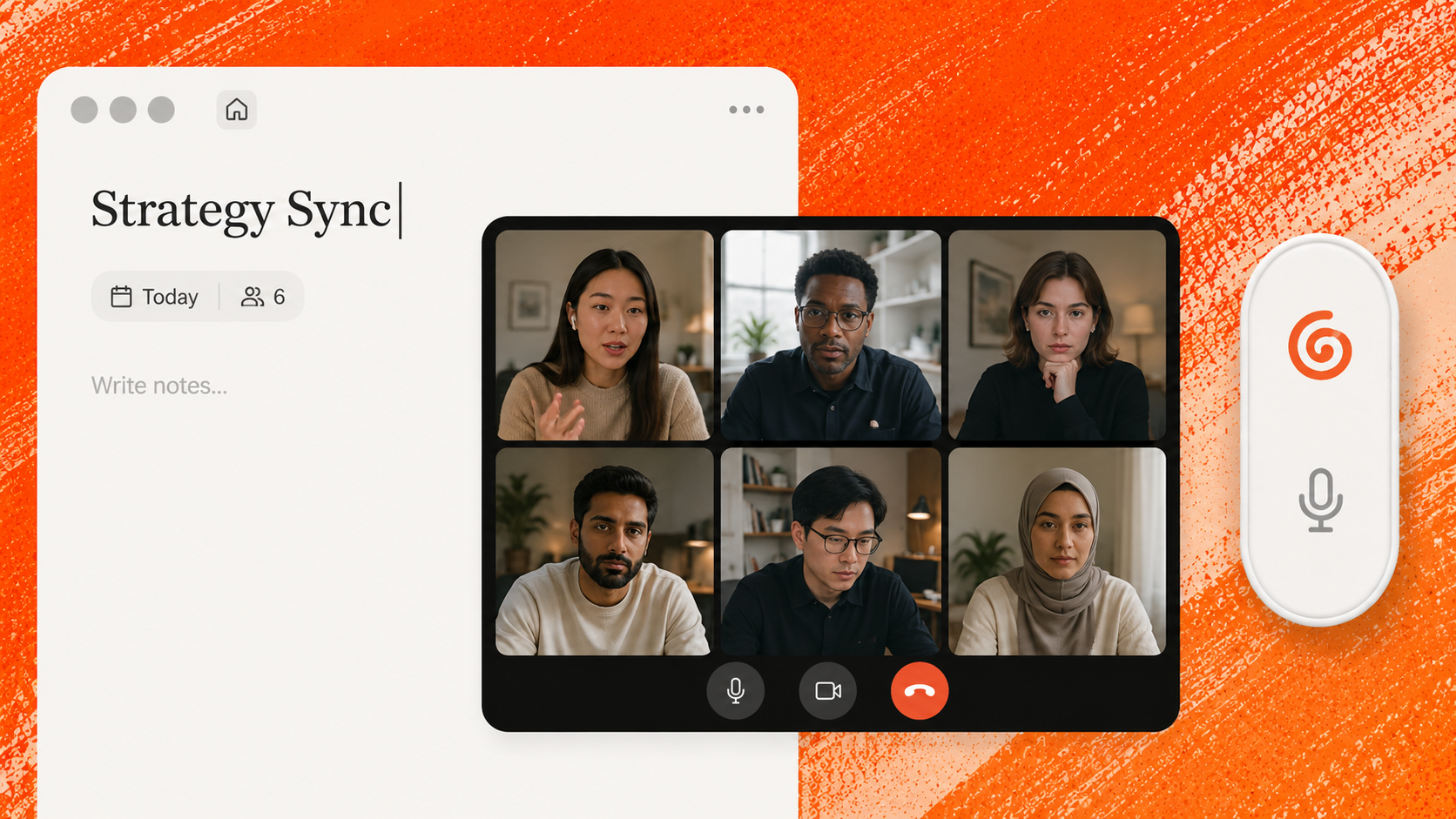
Ask away
Ask questions during a call, surface insights across a folder of meetings, or query your entire history in seconds.
Keep the momentum
Draft a follow-up email, summarize next steps for Slack, or create a recap grounded in exactly what was said.
Can you draft a Slack reply to Priya and Josh with the updated timeline?
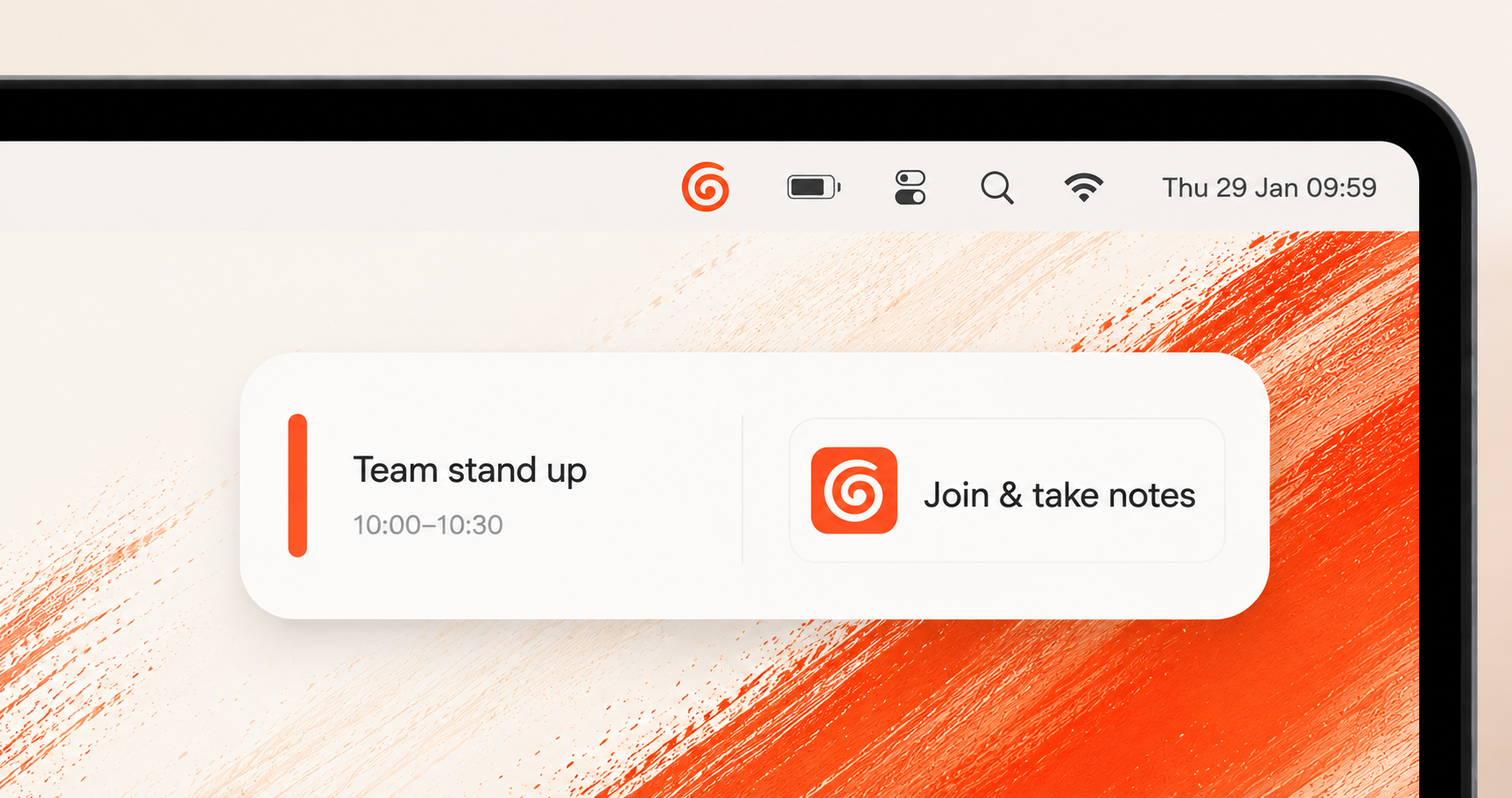
Right when it's time
A reminder shows up a few minutes before every meeting — one click and Afternotes joins the call and starts taking notes for you.
Frequently Asked Questions
How does Afternotes join my meetings?
Afternotes runs quietly on your desktop and joins calls on Zoom, Google Meet, and Teams the moment they start — no bot has to be manually invited, and nothing shows up on-screen for other attendees.
Is my meeting data private?
Yes. Your notes and transcripts are yours — we don't sell or share them, and they're only used to power features inside your own account, like search and Ask.
Does it work if I'm not recording?
Yes. You can type your own notes with or without a live transcript, and Afternotes will still help structure and enhance them.
Which calendars does it connect to?
Google Calendar and Outlook today, with your "Coming up" list and meeting prep pulled straight from whichever one you connect.
Can I edit the notes it generates?
Always. Every generated note is fully editable, and you can regenerate it with a different template any time.
What happens to notes from before I started using it?
Nothing changes for past meetings — Afternotes only starts capturing from the point you install it, but you can still import existing audio or transcripts manually.
Unlimited meeting notes, from day one.
Every plan includes unlimited meetings and notes. Afternotes is in early access for Mac.